For Instagram Creators
Upload Instagram Reels in True 4K Quality
Stop losing quality to Instagram's compression. Get the exact export settings, presets, and upload method top creators use to post razor-sharp Reels — no technical skills required.
BUY NOW
Instant Download
Secure Checkout
One-Time Purchase
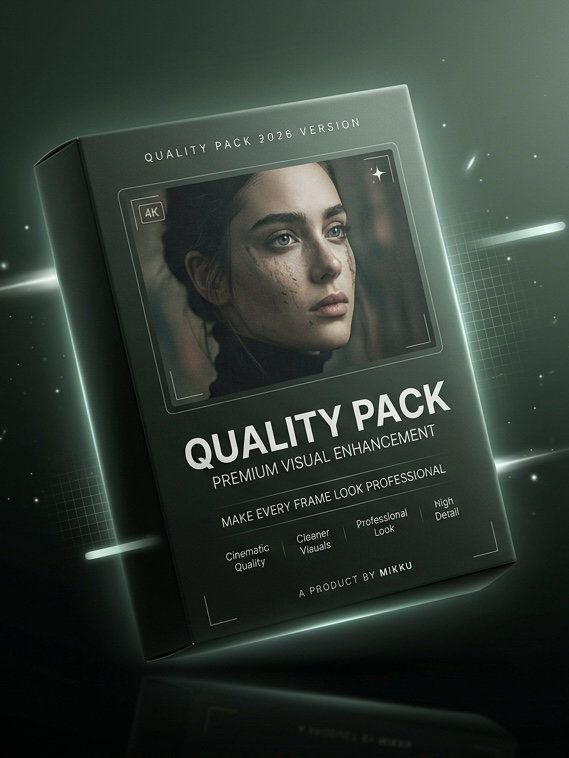
Why Your Reels Look Blurry on Instagram
Instagram aggressively compresses every video the moment you upload it. Most creators unknowingly make it worse by exporting in the wrong resolution, bitrate, frame rate, or file format — leaving footage soft, pixelated, or blocky even when the original was shot in perfect quality.
Wrong export resolution
Exporting below the resolution Instagram actually favors, so the platform re-compresses your video even further.
Incorrect bitrate settings
Low or inconsistent bitrate makes compression artifacts far more visible across your entire clip.
Uploading the wrong file format
Using formats and codecs Instagram re-encodes harshly, instead of the ones it preserves far better.
Skipping platform-specific presets
Not tailoring exports for Reels vs. Feed vs. Stories, so quality quietly drops across the board.
Everything Inside the Pack
One complete system — no extra tools or subscriptions required.
Instagram Upload Guide
Step-by-step instructions for uploading without quality loss.
4K Export Settings
The exact resolution, bitrate, and frame rate settings that work.
Recommended Export Presets
Ready-to-use presets for your editing app of choice.
Step-by-Step Tutorial
Follow-along walkthrough from export to upload.
Bonus Tips
Extra tricks top creators use to maximize sharpness.
See the Difference
Same footage. Same phone. Completely different result after using the pack.
BEFORE

Compressed, soft, pixelated.
AFTER
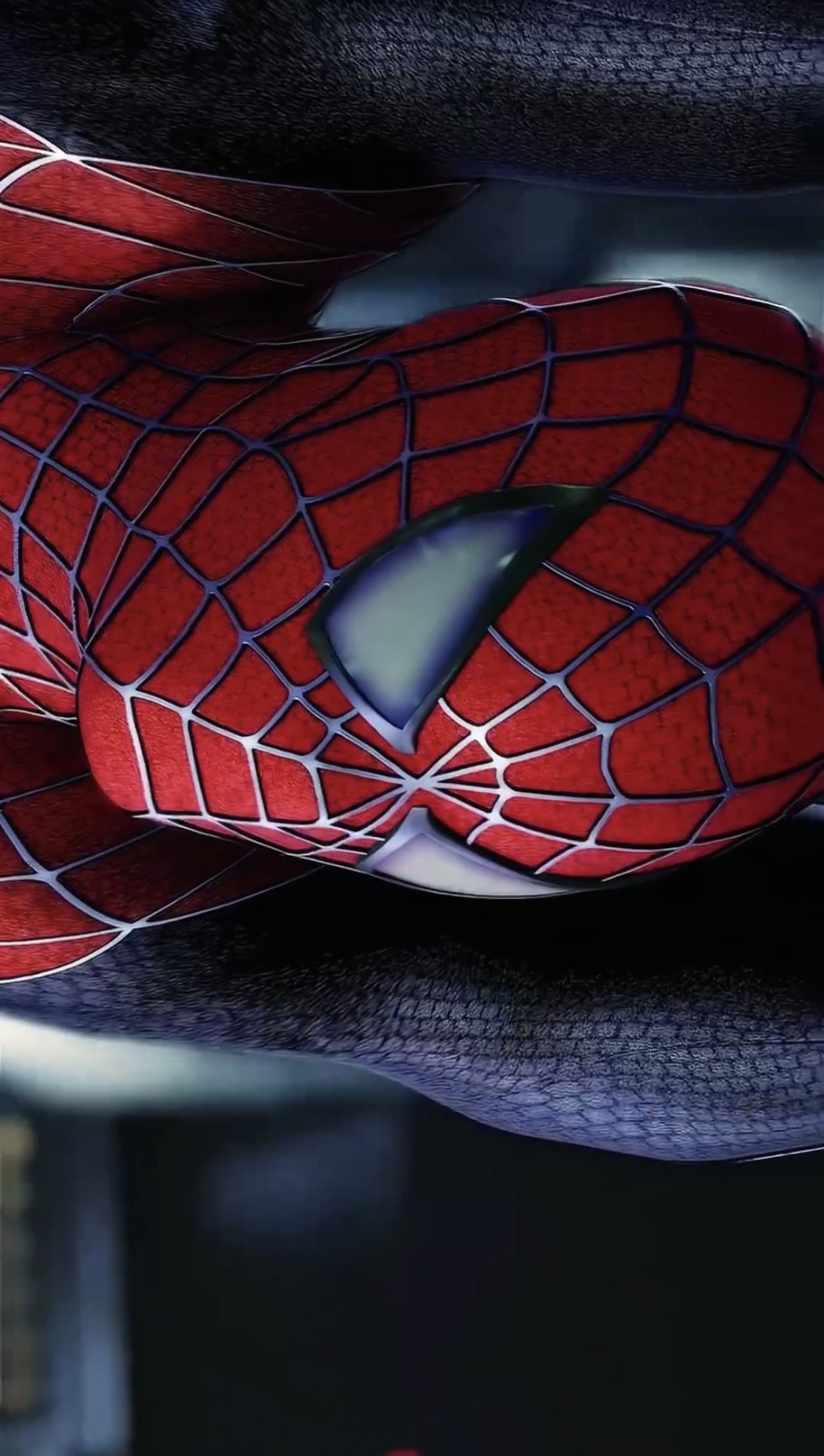
Sharp, clean, true-to-source.
A Look Inside the Pack
Clear, organized, and easy to follow — even if you've never edited a video before.
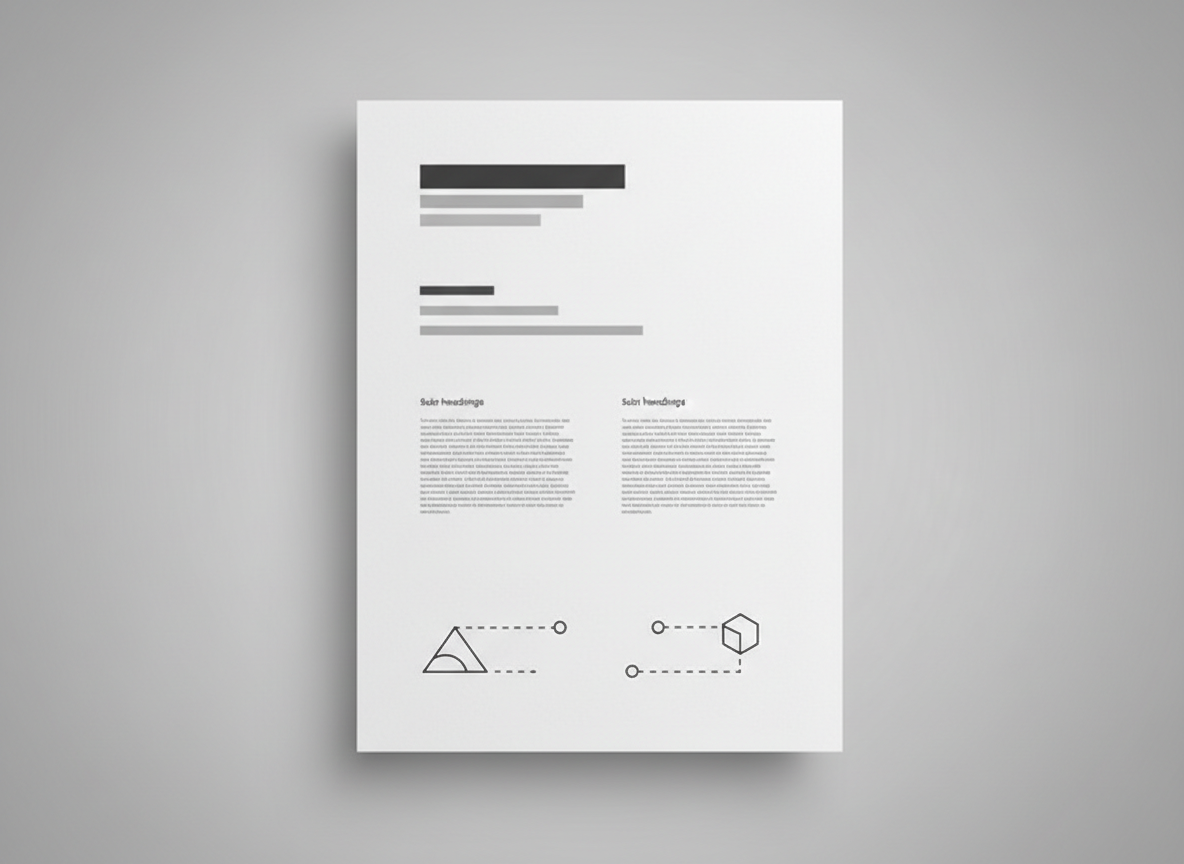
The Upload Guide
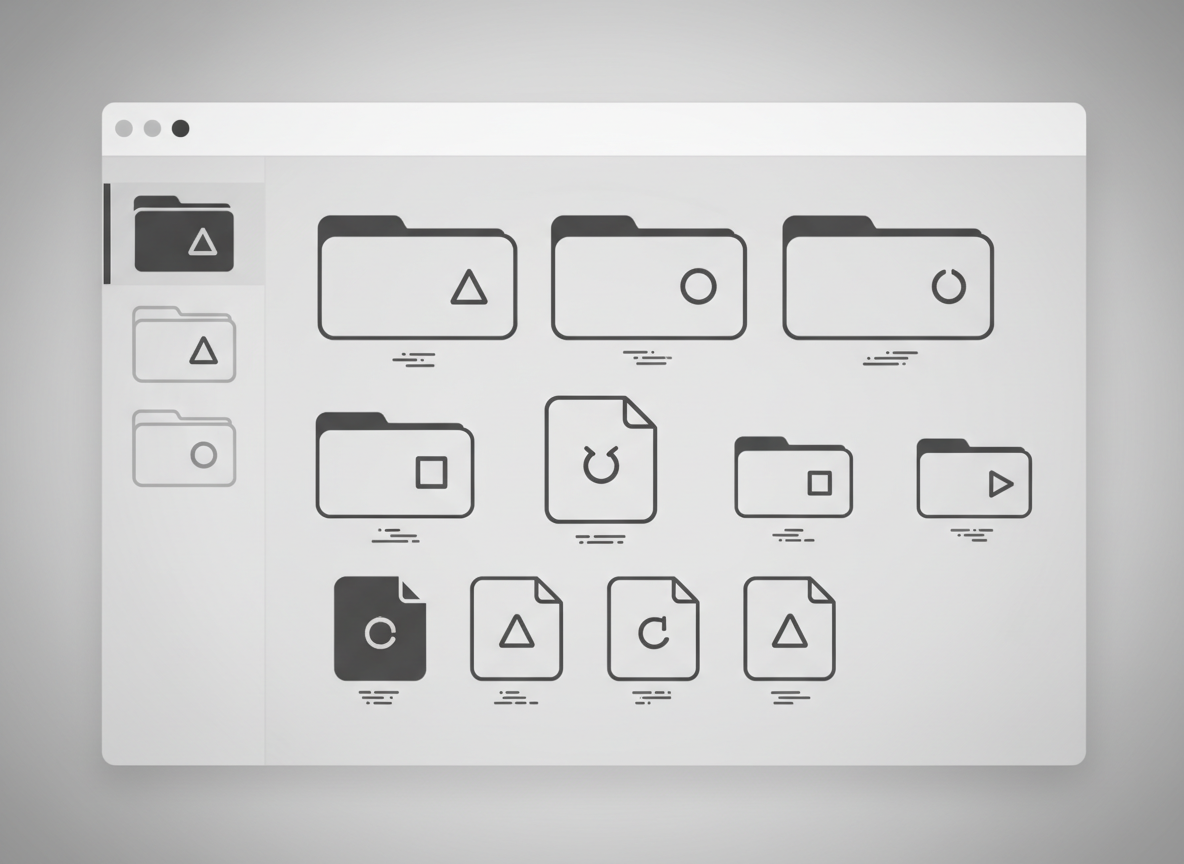
Organized File Structure
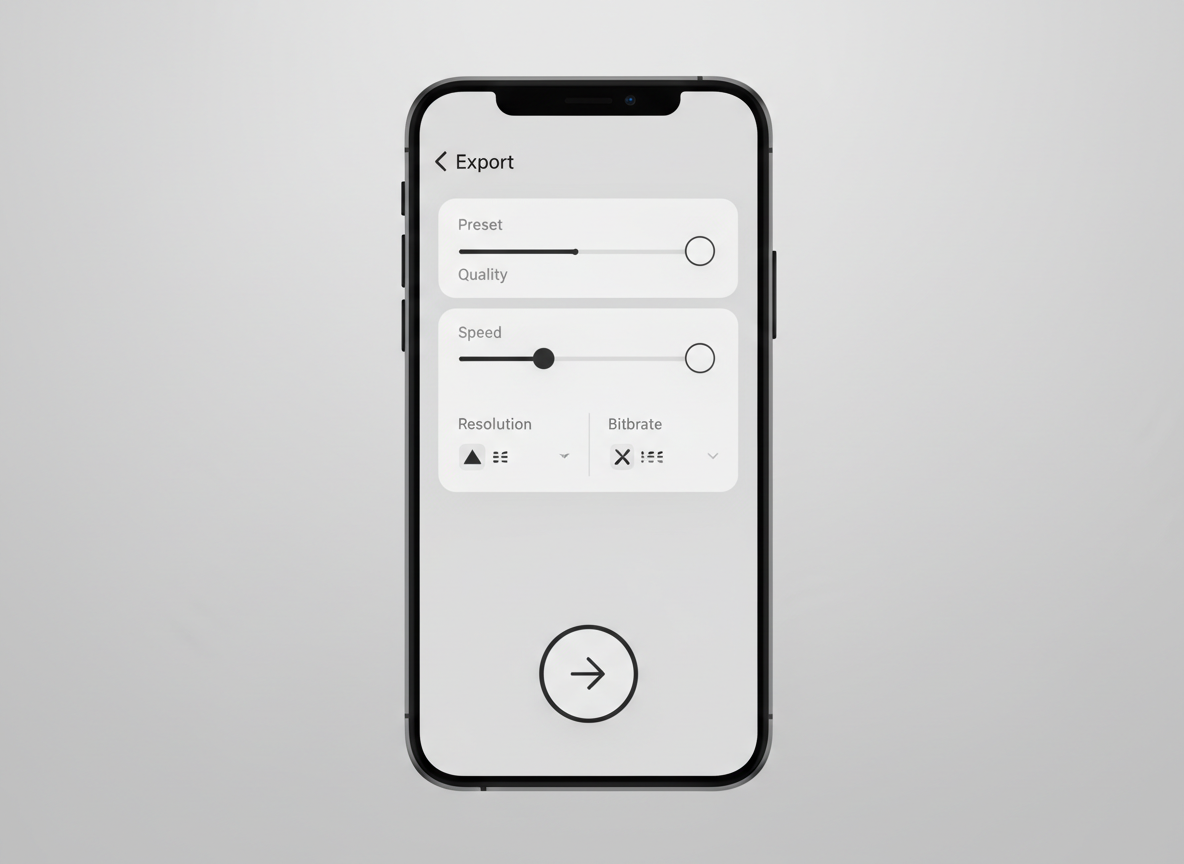
Ready-to-Use Presets
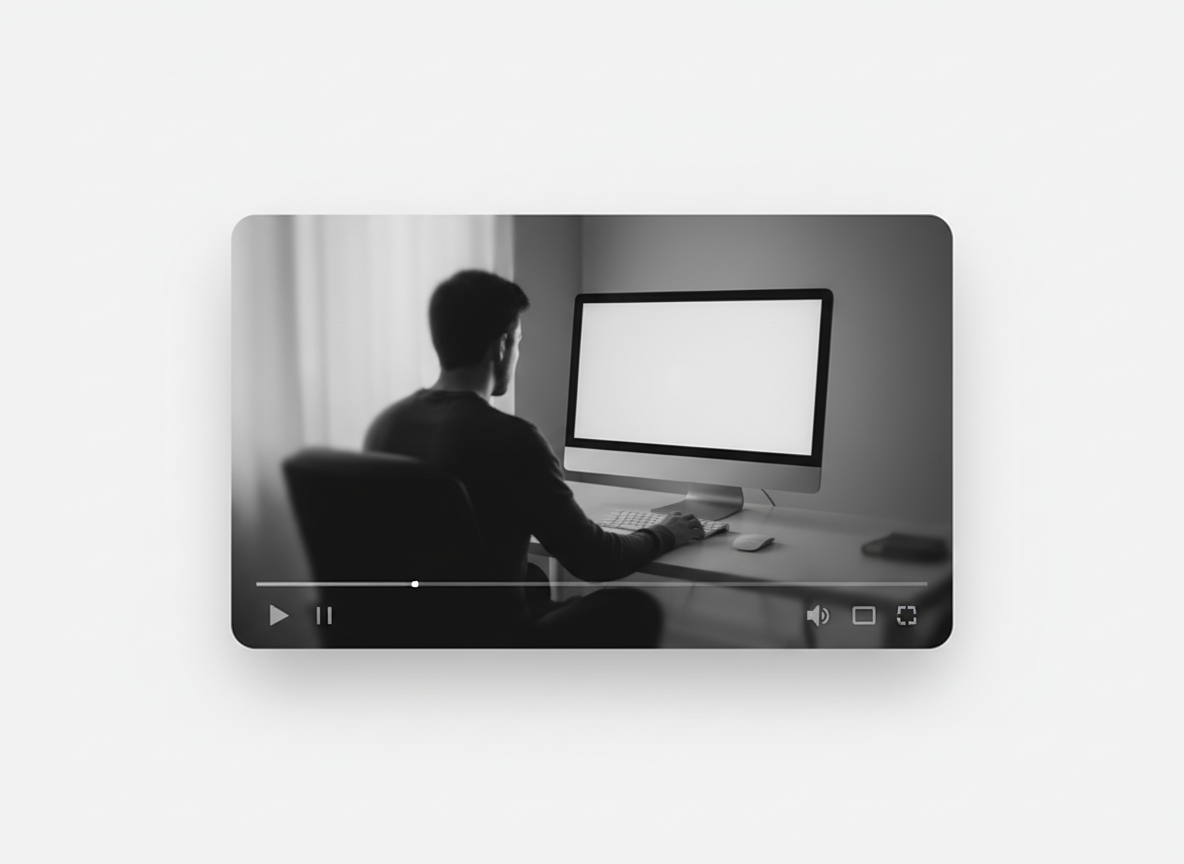
Step-by-Step Video Tutorial
Why Creators Switch to This Method
Less guesswork. Better results. Every time you post.
Upload Sharper Reels
Reduce Instagram Compression
Save Time on Every Export
Improve Content Quality Instantly
No Technical Knowledge Required
Loved by Creators
Real results from people who were tired of blurry uploads.
My Reels finally look as sharp as the original footage. I didn't know Instagram was destroying my quality until I fixed it.
Priya S.
Content Creator
Took me 10 minutes to set up and the difference was instant. No more blurry uploads.

Daniel M.
Mobile Video Editor
Wish I found this months ago. My last few Reels look noticeably better than everything before them.

Ava R.
Influencer, 52K followers
Frequently Asked Questions
Everything you need to know before you download.
Yes. The pack works with any smartphone and most popular editing apps — no special software required.
You'll get instant access to download everything immediately after checkout — no waiting, no shipping.
One-time purchase. Pay once and keep the pack forever, including any future updates.
We update the pack whenever Instagram changes its compression or upload behavior, so it stays accurate.
Our support team is available to help — just reach out and we'll walk you through anything you're stuck on.
No. The guide is written for complete beginners, with step-by-step instructions anyone can follow.